If you spend any time on Instagram, TikTok, or X, you've seen the phrase "link in bio." It's become the standard way creators and businesses point their followers to everything they offer — from a single, humble link. But what actually is a link in bio, why does everyone use one, and how do you make your own? Let's break it down.
What is a "link in bio"?
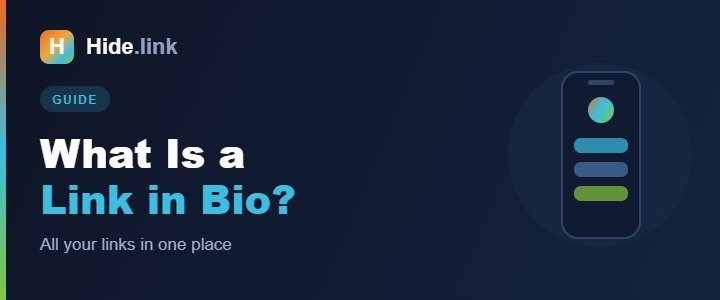
Most social platforms only let you put one clickable link on your profile. That's a problem when you have a shop, a new video, a newsletter, a podcast, and a website to promote. A link in bio solves it: instead of linking to just one page, you link to a single bio page — a mini landing page that holds all your important links in one tidy, mobile-friendly list.
So your Instagram bio links to, say, hide.link/yourname, and that page shows buttons for your shop, your latest video, your newsletter signup, and anything else you want — all in one place.
Why creators and businesses use a bio link
- One link, everything behind it. Update the page any time without touching your profile link.
- Works across every platform. Use the same bio link on Instagram, TikTok, X, YouTube, and your email signature.
- It's branded. A clean bio page on your own short domain looks more professional than a wall of pasted links.
- You can track it. A good bio-page tool shows which links your audience actually clicks, so you learn what they care about.
- It's fast to update. Launching a sale? Add a button in seconds. Promotion over? Remove it.
What to put on your bio page
Keep it focused — a bio page works best when it points people to your priorities, not everything you've ever made. Common buttons include:
- Your website or online shop
- Your latest or featured content (video, blog post, episode)
- Newsletter or email signup
- A current promotion or product launch
- Other social profiles
- A contact or booking link
Put the most important button at the top — that's what gets the most clicks.
How to create a link in bio for free
- Create a free account on a link tool like Hide.link.
- Create a new bio page and choose your custom URL (e.g.
hide.link/yourname).
- Add your links as buttons, give each a clear label, and drag them into the order you want.
- Brand it — add your photo or logo, pick colors, and write a short intro.
- Copy your bio-page link and paste it into the "website" field of every social profile.
That's all it takes. From now on, one link points to everything.
Bio page vs. a full website — do you need both?
They serve different jobs. A website is your home base; a bio page is the quick, mobile-first jump-off point for social traffic. Many creators use a bio page and a website, with the bio page linking to the site. If you don't have a website yet, a bio page is a perfect, free place to start.
Make the most of every click
Because a bio page sits between your audience and your content, it's the ideal place to measure what's working. Pair it with click analytics and you'll see exactly which offers and posts drive action.
Create your bio page now
A link in bio is the simplest way to turn a single social link into a hub for everything you do — and it's free to start. Create your free Hide.link bio page and put all your links in one place.
Related reading: How short links boost your social media reach · How to shorten a URL